How to Use Claude AI to Plan Your Next Project (Without Starting from Scratch)

You opened Claude. You typed something like "make me a project plan." And what came back felt... fine. Generic. Not quite yours.
So you closed it and went back to doing everything yourself.
Here is what went wrong. Claude did not fail you. You just did not give it a structure to work inside. And without structure, AI gives you average output.
Give it a framework — and everything changes.
Why structure matters
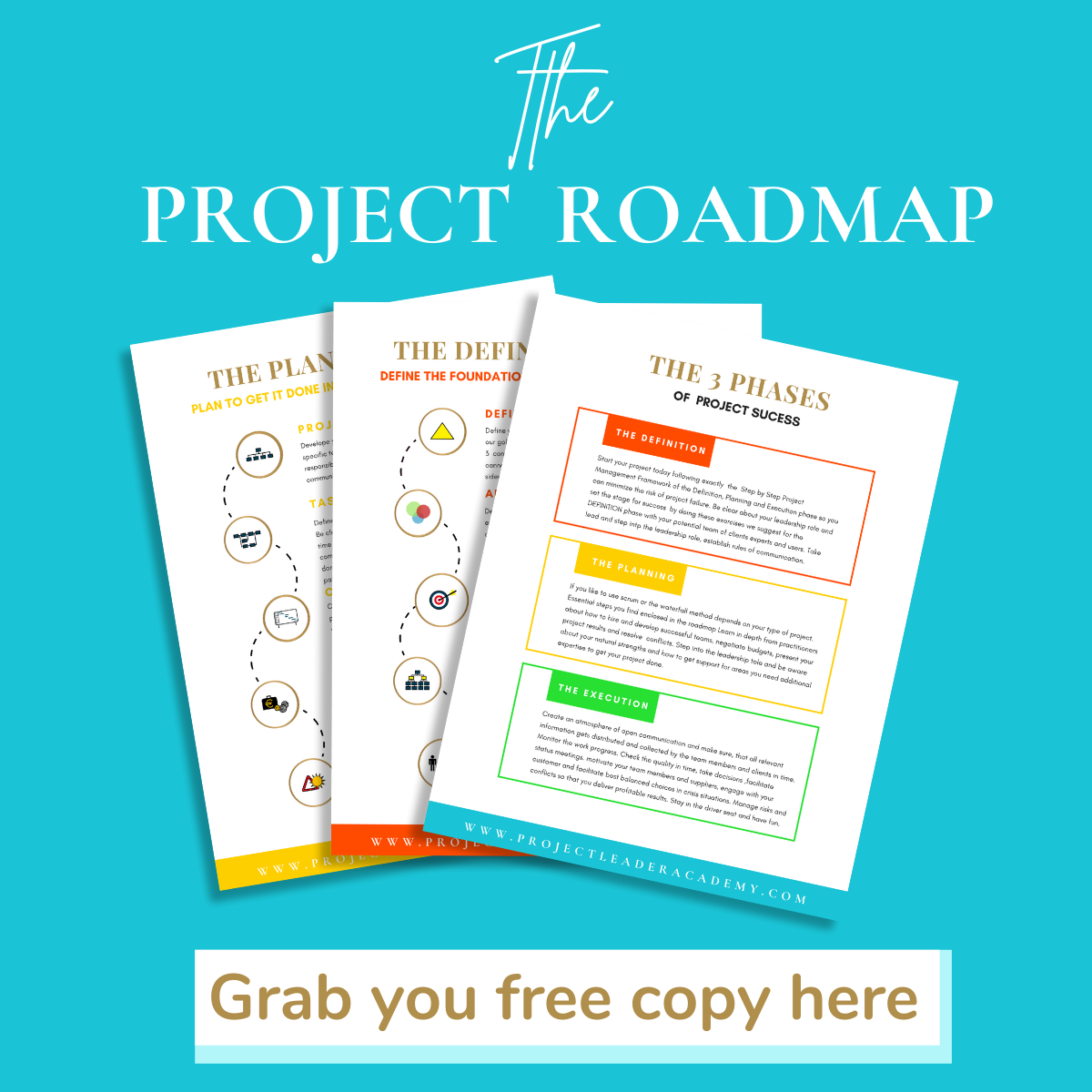
Every project has three phases. Definition. Planning. Execution.
You cannot plan before you define. You cannot execute before you plan. Skip the sequence and your project drifts — busy but not moving.
Claude works best when you follow this sequence too. Each prompt builds on the one before. The output gets sharper. The work gets done faster.
Here is what that looks like in practice.
Phase 1 — Definition
First, get clear. Who is this project for? What does success look like? Who can block it?
Claude can help you answer all of this — fast.
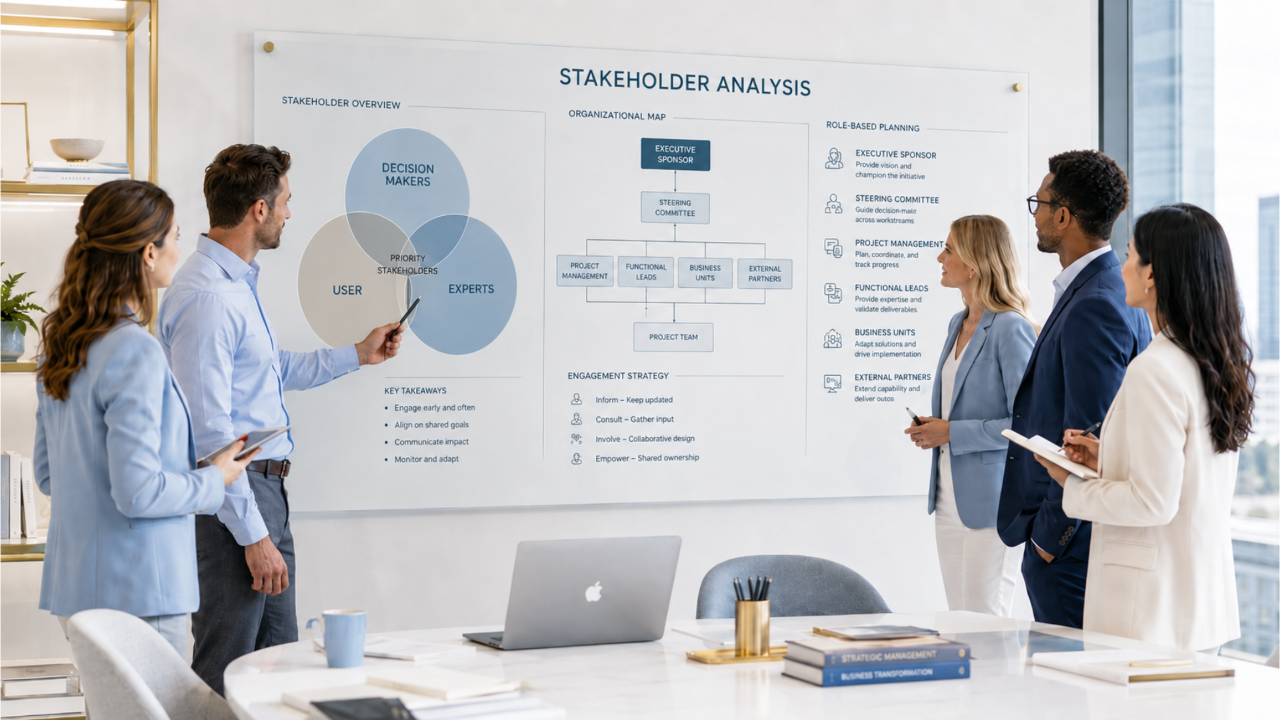
Map your stakeholders:
"I am leading a [type of project]. Deadline is [date]. List all stakeholders in four groups: decision-makers, influencers, implementers, affected parties. For each, note what they care about most."
You get a table. You edit it. Done in minutes, not hours.
Write your project charter:
"Here are my project goals, stakeholders, and deadline [paste]. Write a one-page project charter I can present to my sponsor."
One prompt. A document you can send today.
Plan your kickoff meeting:
"My kickoff is on [date] with [attendees]. Create a 90-minute agenda covering goals, roles, timeline, and next steps."
Everyone walks in prepared. Nothing gets forgotten.
Phase 2 — Planning
Now you build the plan. Timeline. Budget. Risks. This is where most projects fall apart — because people skip steps or rush through them.
Claude keeps you honest.
Build your timeline:
"Here are my goals [paste] and deliverables [paste]. Start date [date]. Deadline [date]. Build a timeline with phases, milestones, and dependencies."
You get a draft. You check it against reality. You adjust. Fast.
Find the risks before they find you:
"Here is my project plan [paste]. Challenge it. What are the top risks I might be missing? For each: likelihood, impact, mitigation."
Claude asks the hard questions so your stakeholders do not have to.
Build your budget:
"Here are my tasks and team [paste]. Build a budget breakdown: staff, materials, software, contingency."
No more guessing. No more surprises.
Want to go deeper on one of the most powerful planning tools? Read: How to Create a Work Breakdown Structure in 5 Steps
Phase 3 — Execution
The plan is live. Now you need to keep things moving — and keep people informed.
This is where Claude saves you the most time.
Turn messy notes into a stakeholder update:
"Here is my project status [paste notes]. Write a short update: what is on track, what is at risk, what decisions are needed."
Three minutes. Professional. Done.
Write the difficult email:
"I need to write to [person] about [missed deadline / scope change / blocker]. Write a direct, professional message that moves things forward."
No more staring at a blank screen.
Turn meeting notes into action items:
"Here are my meeting notes [paste]. Pull out every action item with owner and deadline. Put it in a table."
Clean. Clear. Ready to send.
Prepare for a tough conversation:
"My stakeholder [describe] is pushing back on [issue]. Help me prepare. What will they say? What do I say back?"
Walk in confident. Walk out with a decision.
Understand any document instantly:
"Here is a [contract / brief / report] [paste or upload]. Give me the key points and anything that could affect my project."
No more reading 40 pages to find the three things that matter.
The one thing that makes all of this work
Claude is a tool. A powerful one. But a tool still needs a plan.
The prompts above work because they follow a sequence. Definition. Planning. Execution. Each step feeds the next.
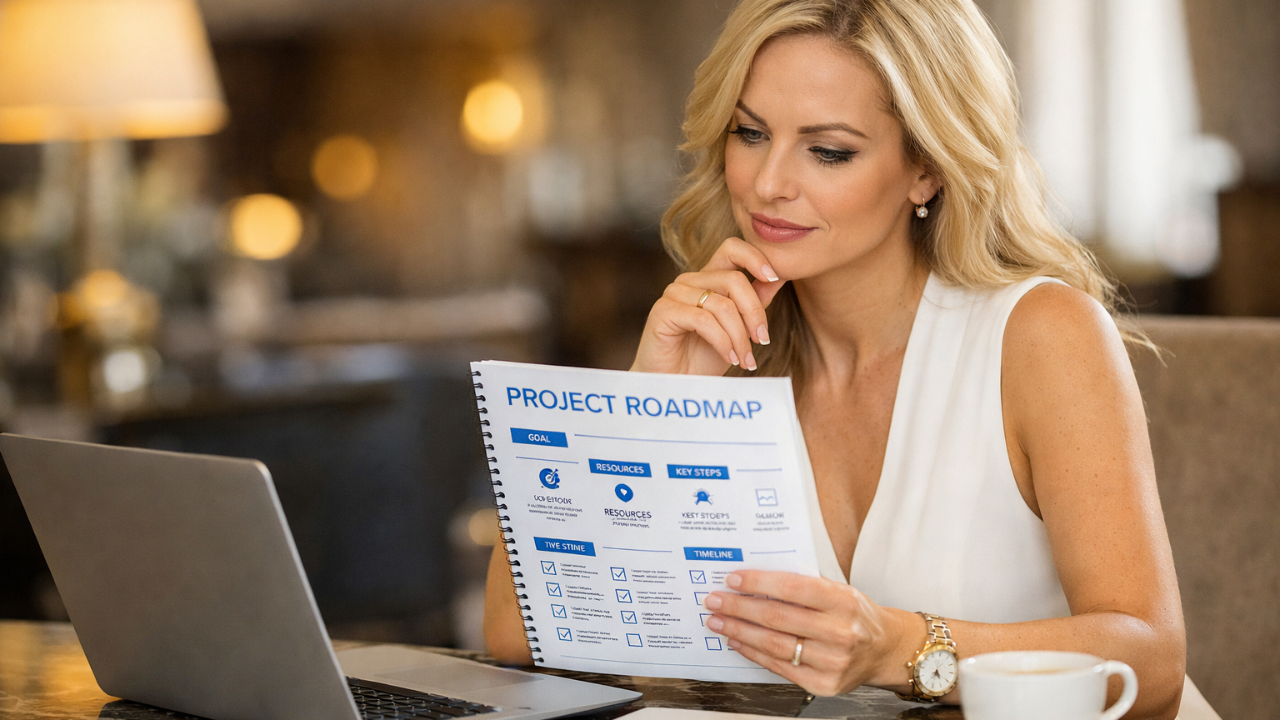
That sequence is the Project Planning Roadmap. It is the framework I have used for 20 years — across 11 countries, with teams at Siemens, BMW, and some of the world's largest organisations.
And it is free.
→ Download the Project Planning Roadmap
Get the full framework. See every step. Then open Claude and start your next project with a real plan behind you.
No more scope drift. No more "we're busy but nothing is moving." No more starting over.
Just a clear path — from idea to results.
Thea Brockmeyer is the founder of Project Leader Academy. For over 20 years she has helped leaders in 11 countries — from Siemens and BMW to fast-moving entrepreneurs — turn complex ideas into real results. She has trained and coached over 10,000 professionals worldwide.
Get your free Project Planning Checklist and make sure your next project is set up for success from the start!